
A customer portal
that comes with the store.
Every store ships with account registration, order tracking, review management, and address books already wired in.
An account area
they never have to email you about.
Addresses, orders and reviews, each on its own screen, all of it generated with the store.
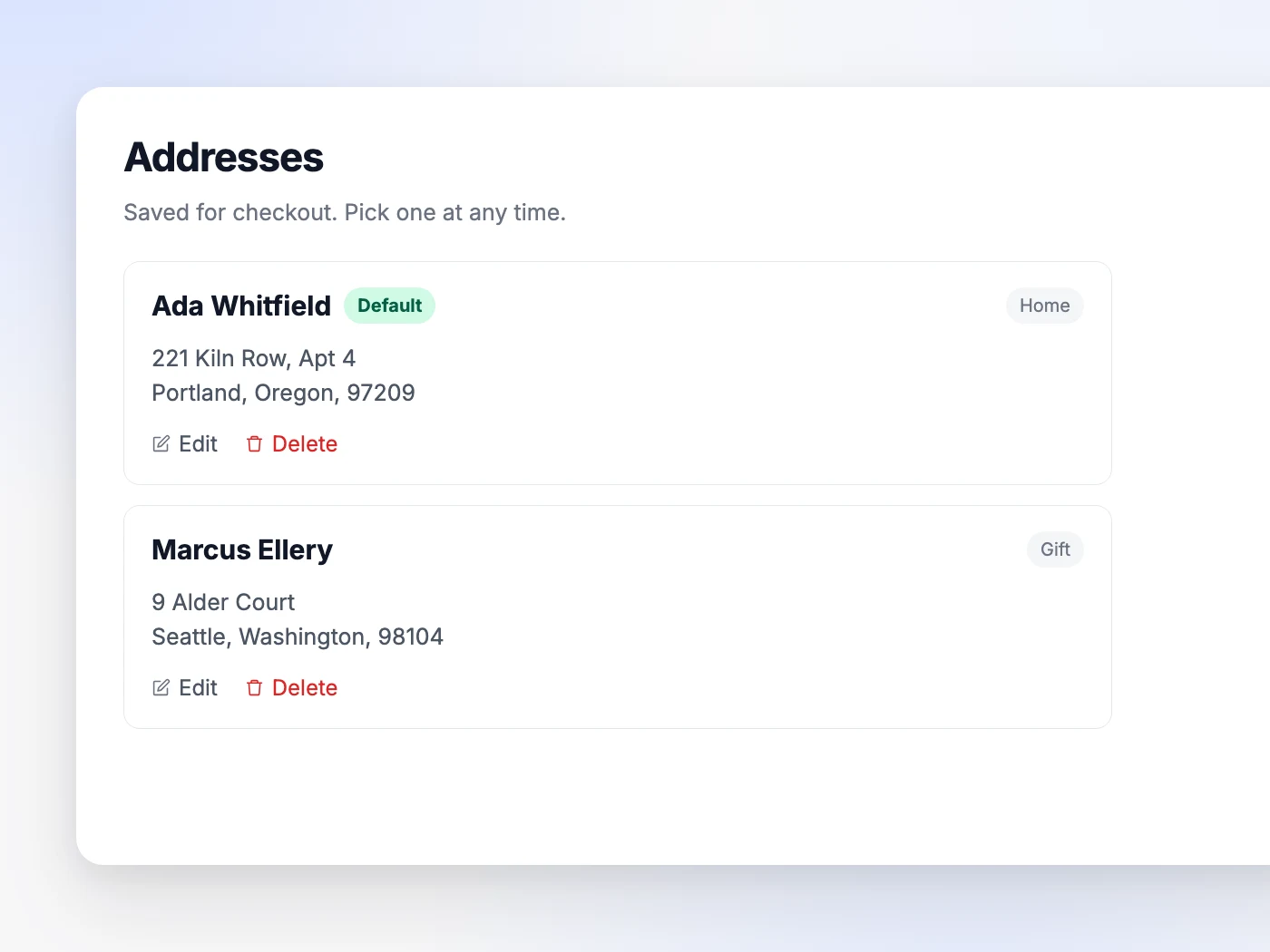
Addresses that stay saved
Home, office, a gift recipient. Shoppers pick one at checkout instead of retyping it, and the default is already selected.
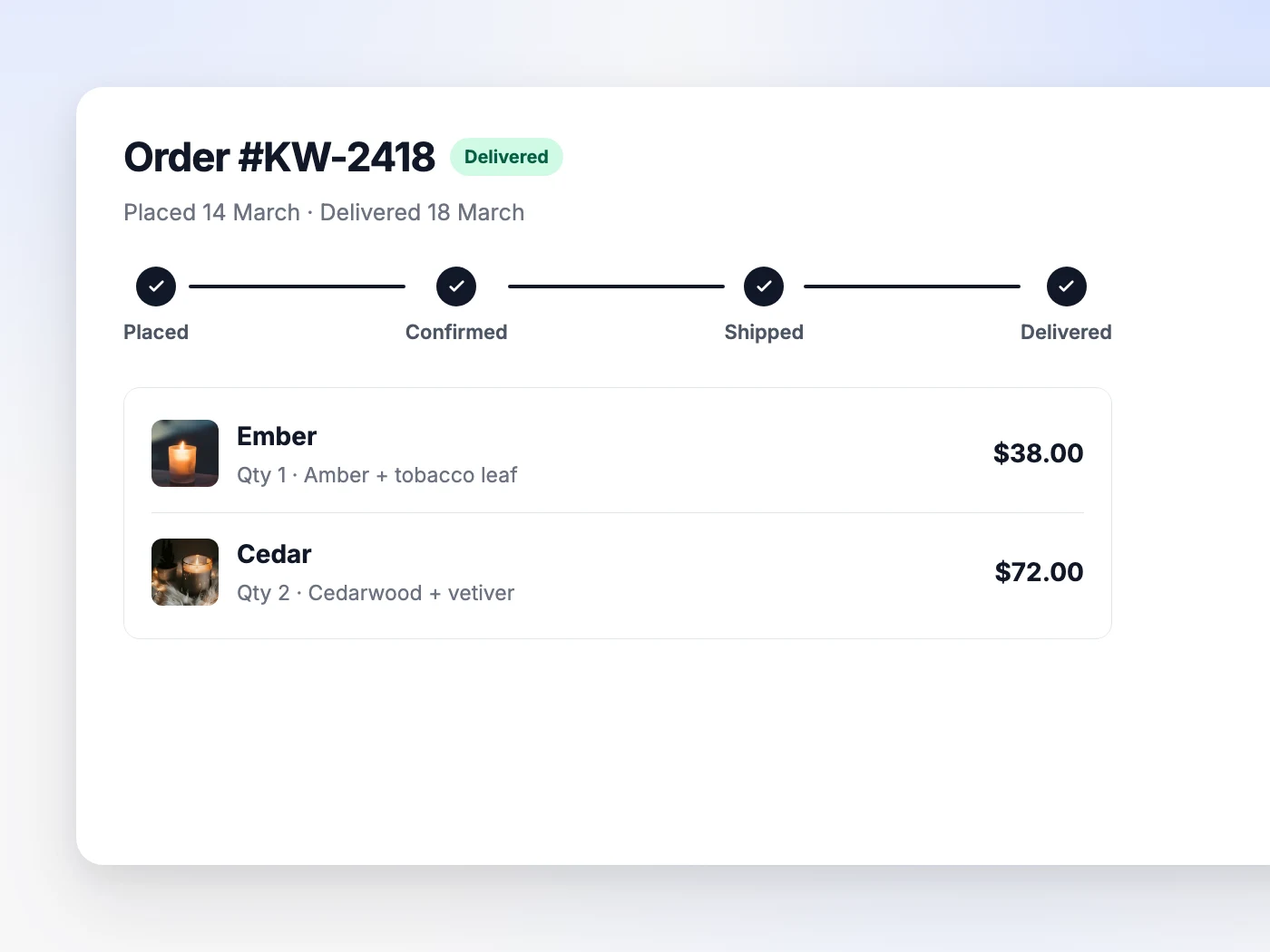
Orders they track themselves
Status, items, totals and the shipping address on one page, so fewer order-status emails reach you in the first place.
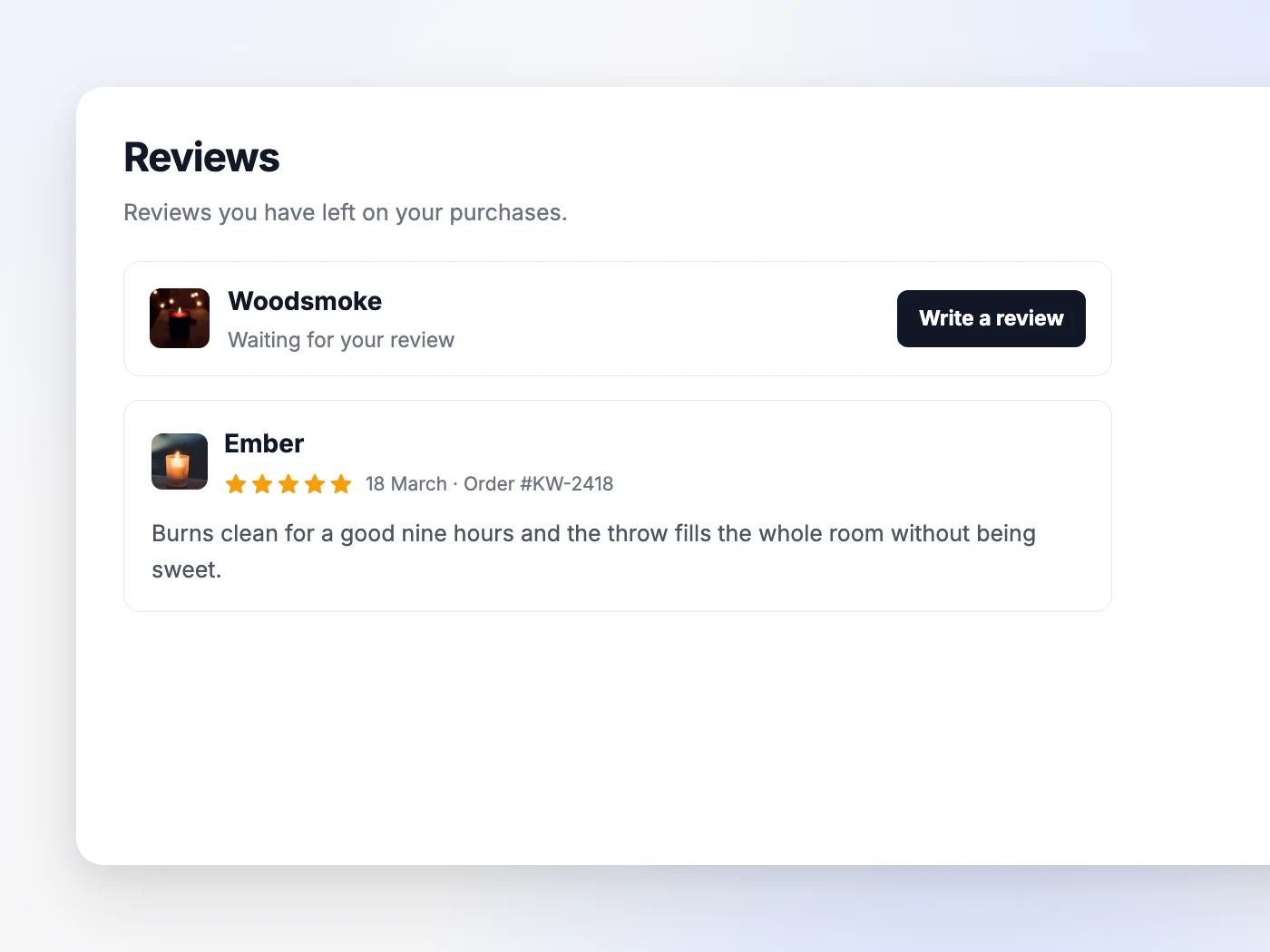
Reviews without the chasing
A delivered item shows up waiting for a review. What they write lands on the product page as social proof you did not have to ask for.
What people ask
about the portal.
What is the Orderain customer portal?
A signed-in account area on your own store, covering a recent-orders overview, the full order list, an order detail page with its status tracker, a saved address book, reviews, and a profile screen for details and password. It is generated with the store rather than installed later.
Do I need a plugin or a paid add-on to switch it on?
No. Every store gets the portal. It is generated with the site and included on any paid plan, so there is nothing to install, enable or pay extra for.
Can shoppers still check out as guests?
Yes. Guest checkout stays available on every store. An account is something a shopper can choose, not a wall in front of the buy button.
What can a customer see about their own order?
The Placed, Confirmed, Shipped and Delivered tracker, the items ordered, the order summary with totals, and the shipping address it is going to. An order that was cancelled, rejected or returned says so instead, so nobody waits on an update that is never coming.
Who is allowed to leave a review?
Only a customer whose order containing that product has been marked delivered, and only once per product per order. They can attach up to three photos. Reviews are tied to a real purchase rather than open to anyone who lands on the product page.
Do reviews go live without me seeing them first?
You control them from Products then Reviews in the dashboard. Every review has a status toggle that hides it from the storefront without deleting it, you can reply in public, and Request Changes asks the customer to revise what they wrote from their own Reviews tab.
How many addresses can a shopper keep?
As many as they need, home, office, a gift recipient, each one editable and deletable from the Addresses tab. One is marked default and is the one already selected at checkout.
Does the portal live on my domain or somewhere else?
On your domain. Sign in, the account screens and the sign-out link all sit on your store, under your logo, so a shopper checking an order never leaves your site for a third-party portal.
Enhance your customer experience.
Launch with it built in.
The portal is part of every store. No plugin, no extra bill.